For coordinators, agencies and wedding venues
One workspace for the whole wedding team.
All your wedding information in one place. Connected throughout the planning.
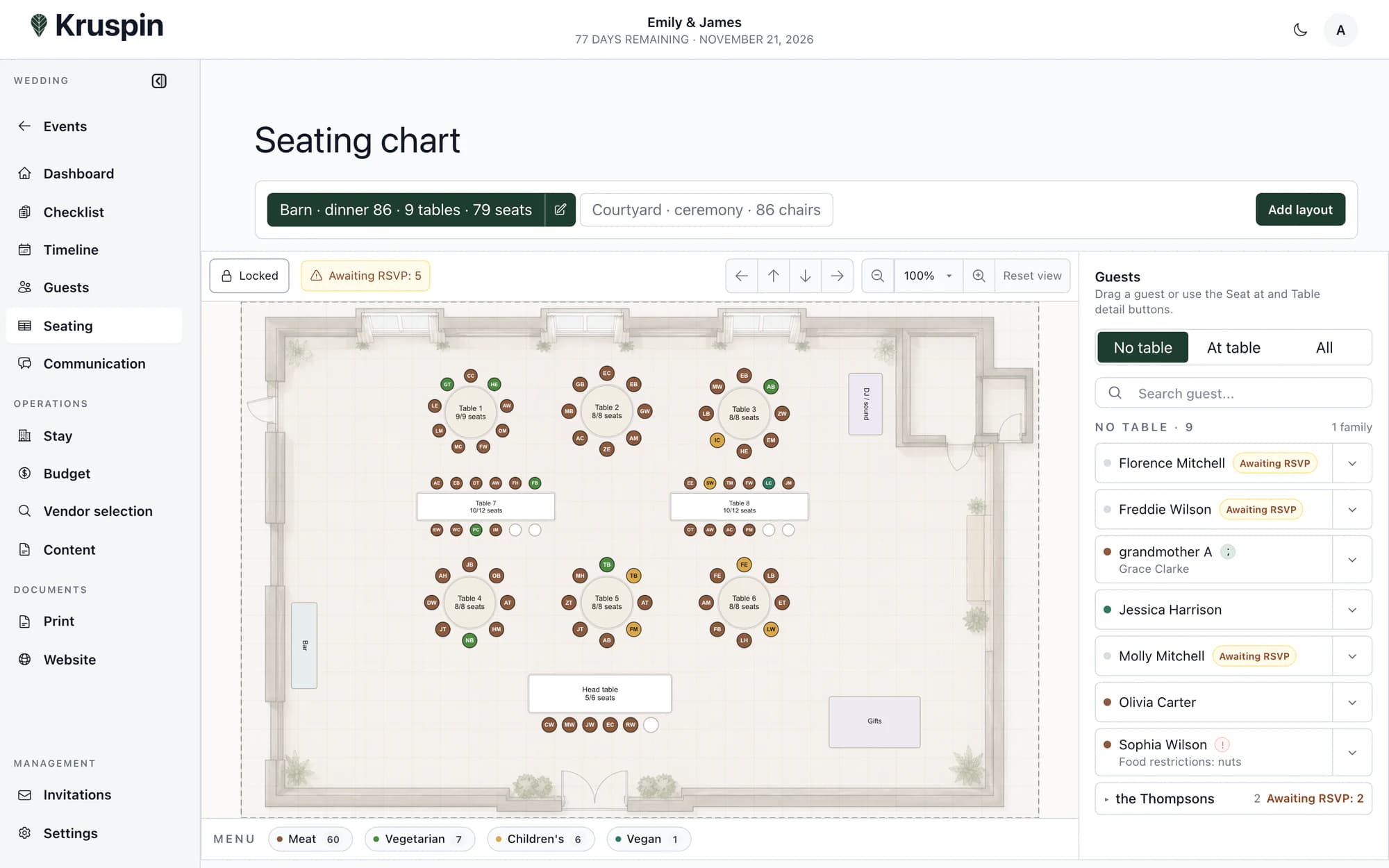
- A layout that fits the venue
- Meal choices beside each guest
- A plan for the service team
Keep the whole plan in view
One change. Everything stays connected.
A new RSVP, a different menu, a moved table. Keep the details with the same wedding, so your team can work from one project instead of piecing together files.
One current version
One shared project
Planning that stays together.
Guests, catering, seating, accommodation and the timeline. Plan every part in the context of the same wedding.
Every response stays with the guest.
Guests confirm attendance, choose a meal and share dietary requirements. Their responses stay in the project.
Guest details are there when you arrange seating and prepare kitchen documents.
Explore the detailsMenus, counts and dietary needs together.
Prepare meals, portions and serving times. Guest meal choices and dietary requirements connect to their responses.
Use project data to prepare a kitchen summary with portion counts and dietary requirements.
Explore the detailsThe guest details you need, right at the table.
Arrange tables to fit the venue. See attendance, meal choices and dietary requirements while assigning seats.
Use the same plan to prepare table and meal details for the service team.
Explore the detailsRooms and guests in one clear view.
Assign guests to rooms and see occupancy. Group rooms by building or part of the venue.
Prepare a rooming list for reception from the information held in the wedding project.
Explore the detailsOne timeline. The detail each person needs.
Add a time, location and person responsible to each item. The planning team also works with operational details.
Prepare a timeline document for the team or a specific supplier.
Explore the detailsThe team knows what comes next.
Tasks, agreed details and inspiration stay with the wedding. Clients and guests each have a place to stay informed.
Clear tasks. A shared plan.
See the deadline, status and person responsible for each task. The team knows what is done and what still needs attention.
Inspiration alongside the plan.
Keep moodboards, floor plans, quotes and working documents with the wedding. Your team can find them alongside the plans.
A view for everyone.
Make selected tasks, the timeline and documents available to your client. Guests have their own website with the programme, practical details and RSVP.
Documents prepared from the same project.
Choose a document, review its contents and share it by link or as a PDF. The kitchen, service and reception have documents for their part of the wedding.
Client
- Planning overview
- Shared tasks
- Wedding programme
Kitchen
- Portion counts
- Dietary requirements
- Menus and timings
Reception
- Rooming list
- Guest assignments
Service
- Seating plan
- Meals at each seat
The next wedding does not have to start from scratch.
Save your own task lists, timelines or RSVP questions as templates. Choose the parts you need for a new project and adapt them to the wedding.
Explore templates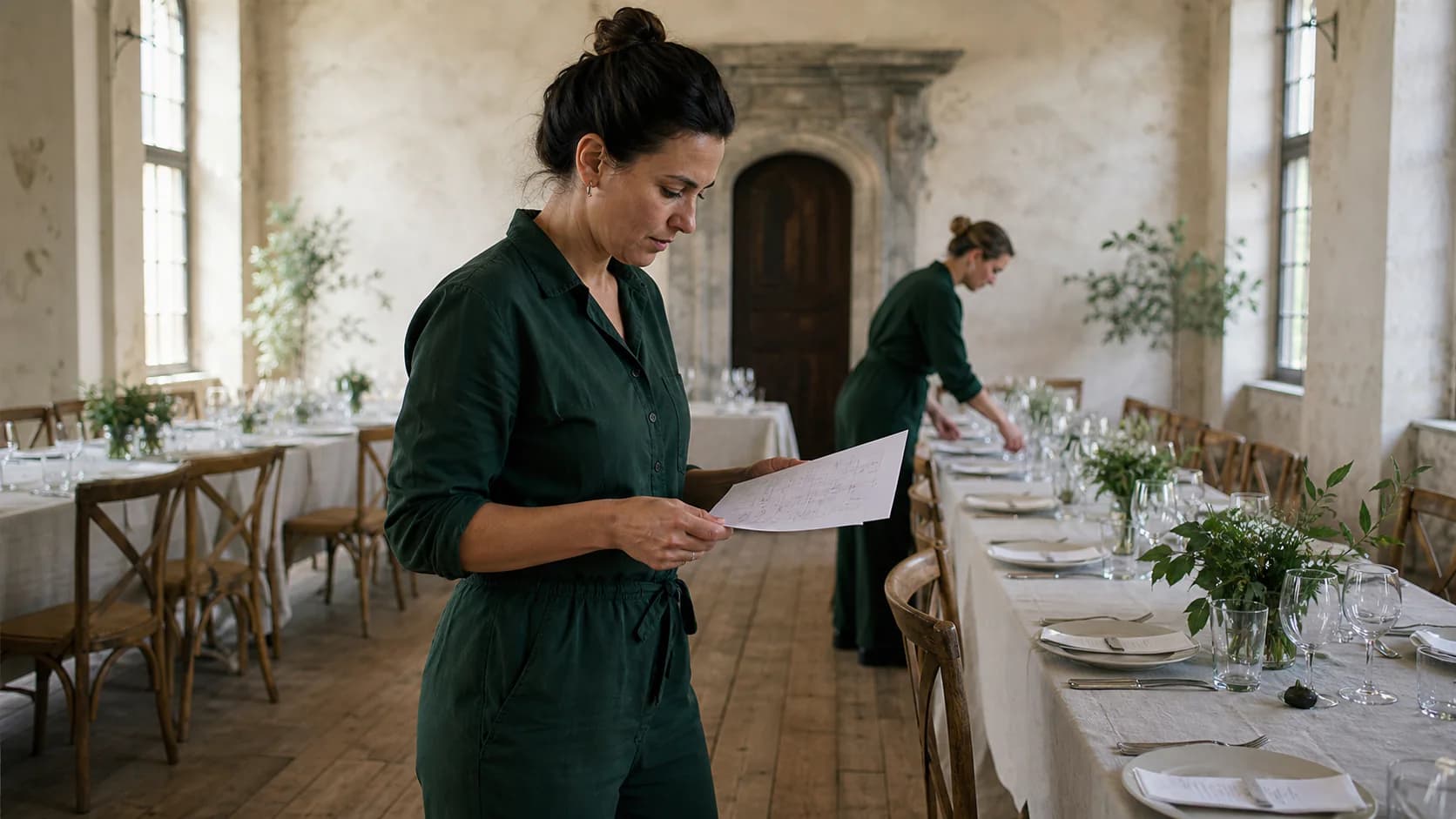
For the work behind the photos
You create the wedding. Kruspin connects the details.
A prepared venue is the result of hundreds of decisions. Give them a home, from the first checklist to the final brief for your team.

Planning weddings at Grand Farma Michael
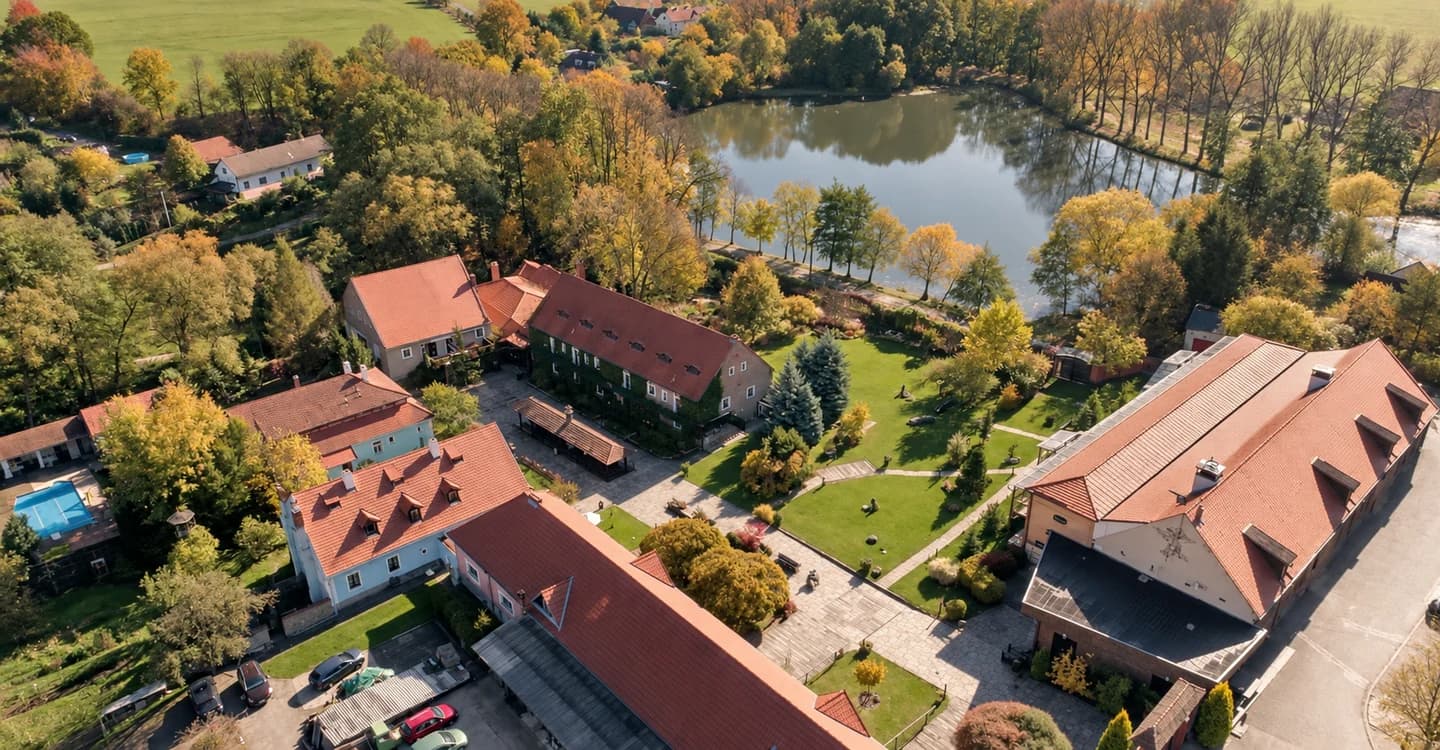
“Finally, I have one place where I can handle practically all the wedding planning.”
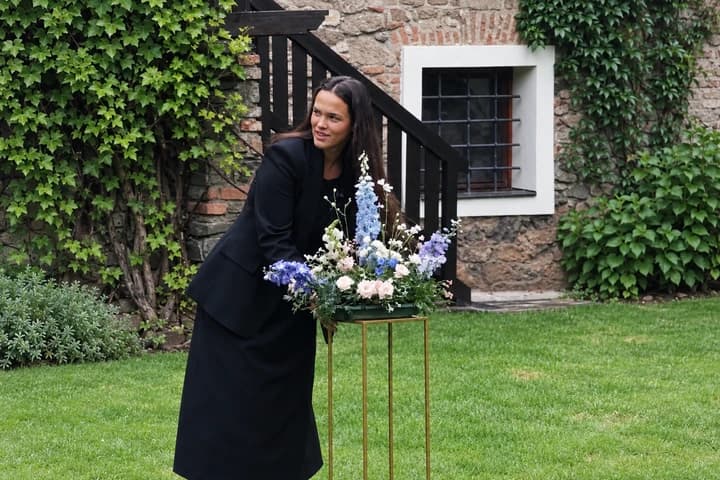
Natálie’s full review
Finally, I have one place where I can handle practically all the wedding planning. I can create a personalised website for guests in no time, and it’s easy to keep everything up to date. I have the guests, meal choices, seating plan, rooming list and other important information in one place. Everything is clear and personalised, and it really saves me a lot of time. Great app!
The practical details
What you might want to know.
Working together, your own approach and getting started.
Talk to usWho is Kruspin for?
Coordinators, agencies and venues involved in preparing and running weddings. It supports people who need to work together on guests, tasks, the timeline and operational documents.
What can the client see?
Access depends on the settings in each part of the project. For example, internal tasks stay with the planning team and the client sees the tasks you make available.
How do we get started?
Create an account by verifying your email. Your next step appears after you sign in. We discuss the specific terms of working together directly with you.
Can we use our own templates?
Yes. Save your own task lists, timelines, RSVP questions and other supported material for future projects. Choose the parts you need and adapt them to the wedding.
How do we share documents?
Prepare a document from project data, check its contents and share it by link or as a PDF. The shared link uses current data. A downloaded PDF reflects the moment it was created; create a new one after changes.

Bring the next wedding into one workspace.
Create an account by verifying your email. Your next step appears after you sign in.