
Switch to Kruspin
Move from Planning Pod, Aisle Planner, HoneyBook or spreadsheets.
Start with one wedding, bring its guest list, and set up your templates once. Contracts and payments can stay where they are.
Steps
Six steps, one wedding at a time.
Start with your next booked wedding
Finish weddings in progress where they are. Your old tool and Kruspin do not sync, so moving a wedding halfway through means keeping two copies.
Export the guest list
Export it from your current tool or spreadsheet as a CSV or Excel file.
Upload it and map the columns
Upload the CSV or XLSX file, or paste a few rows into the guest list, and map the columns in the preview. It is a one-time import.
Set up your templates once
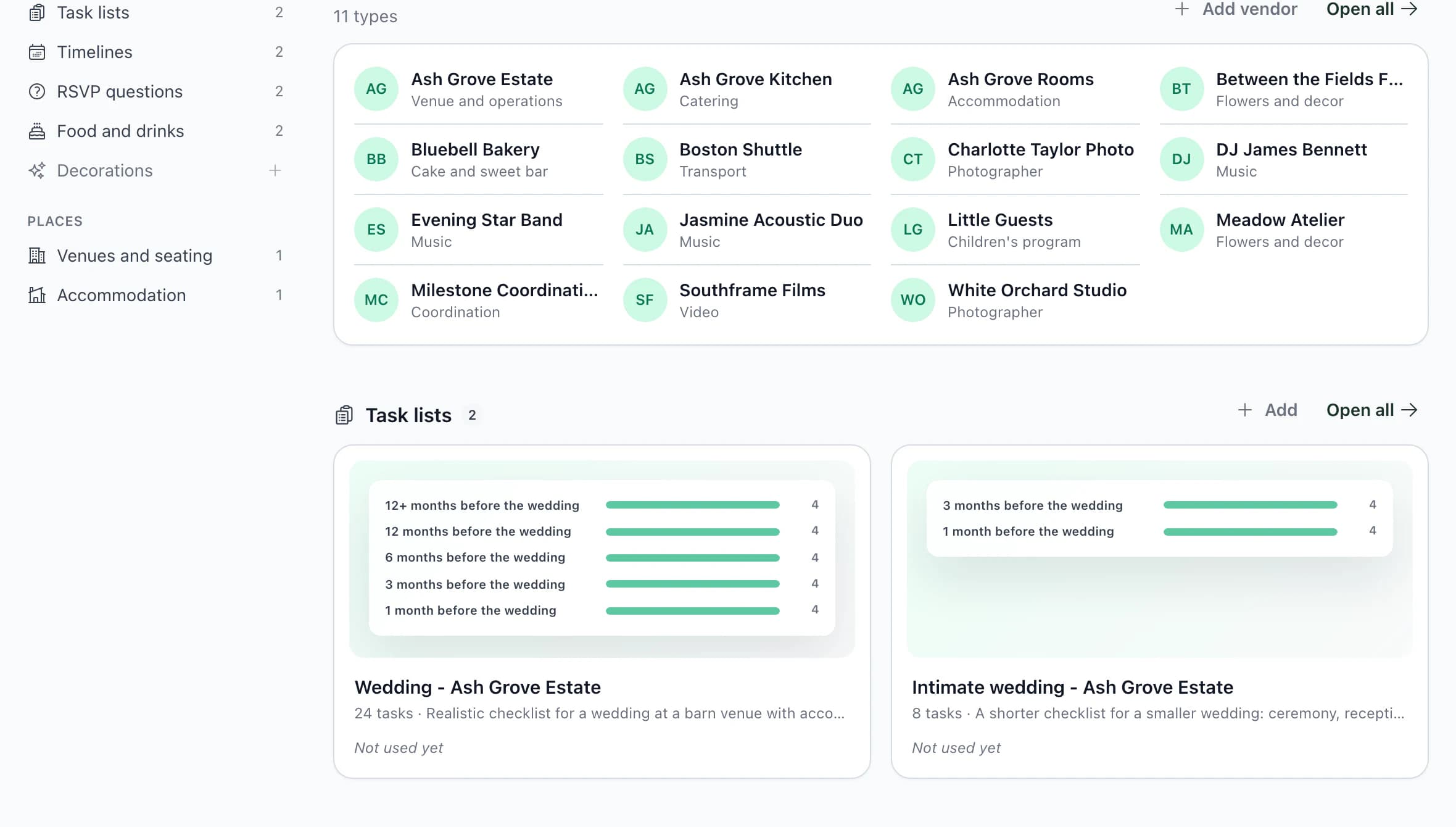
Save your task list, timeline, RSVP questions, food and drinks as templates. For each new wedding, dates are calculated from the wedding date.
Seat guests and assign rooms
Arrange tables on the venue floor plan and assign rooms by night.
Invite your team, then the couple
Give each colleague a role. Invite the couple by email when you want them to add guests and responses themselves.
What to expect
What moves, and what stays.
Guest lists move by file
Kruspin has no direct import from Planning Pod, Aisle Planner or HoneyBook. A CSV or Excel export is the way in.
Your process moves as templates
Timelines, task lists and RSVP questions are set up once and reused, rather than copied wedding by wedding.
Contracts and payments stay
Kruspin does not send contracts, issue invoices or take payments. Keep your current tool for the sale.
Questions about moving
Write to [email protected] with what you use today.
Frequently asked questions
Questions about switching.
Did not find an answer? Write to us through the page support.
Do I have to move every wedding?
No. Finish weddings in progress where they are and start your next one in Kruspin.
Can I bring guest lists from another tool?
Yes, if your current tool or spreadsheet exports them. Upload a CSV or XLSX file, or paste rows, and map the columns in the preview. It is a one-time import; nothing syncs back.
Do I have to cancel my CRM?
No. Kruspin tracks the budget, vendor deposits and a payment plan, but it does not send contracts for e-signature, issue invoices or take card payments from couples. Keep the tool you use for that today.
What happens after I create an account?
You get your own account with a sample wedding, so you can try guests, seating and vendor documents before you create your first wedding. The next step appears after you sign in.
Start with the sample wedding.
After signing up, you get your own account with a sample wedding. Try it, then create the first wedding you are moving.